
To turn the Auto-File or eFile by eMail feature on or off, filers can adjust their User Preferences.
View the User Preferences Screen
Click Settings from the Main Menu at the top.

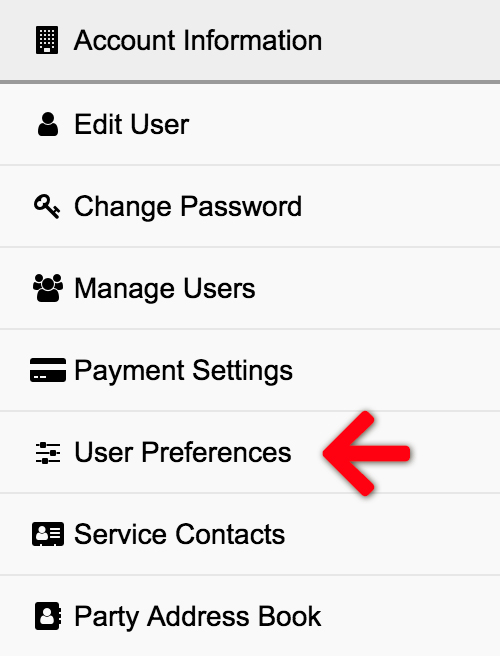
Then select User Preferences from the Left Menu.
Auto-File and eFile by eMail Check Boxes
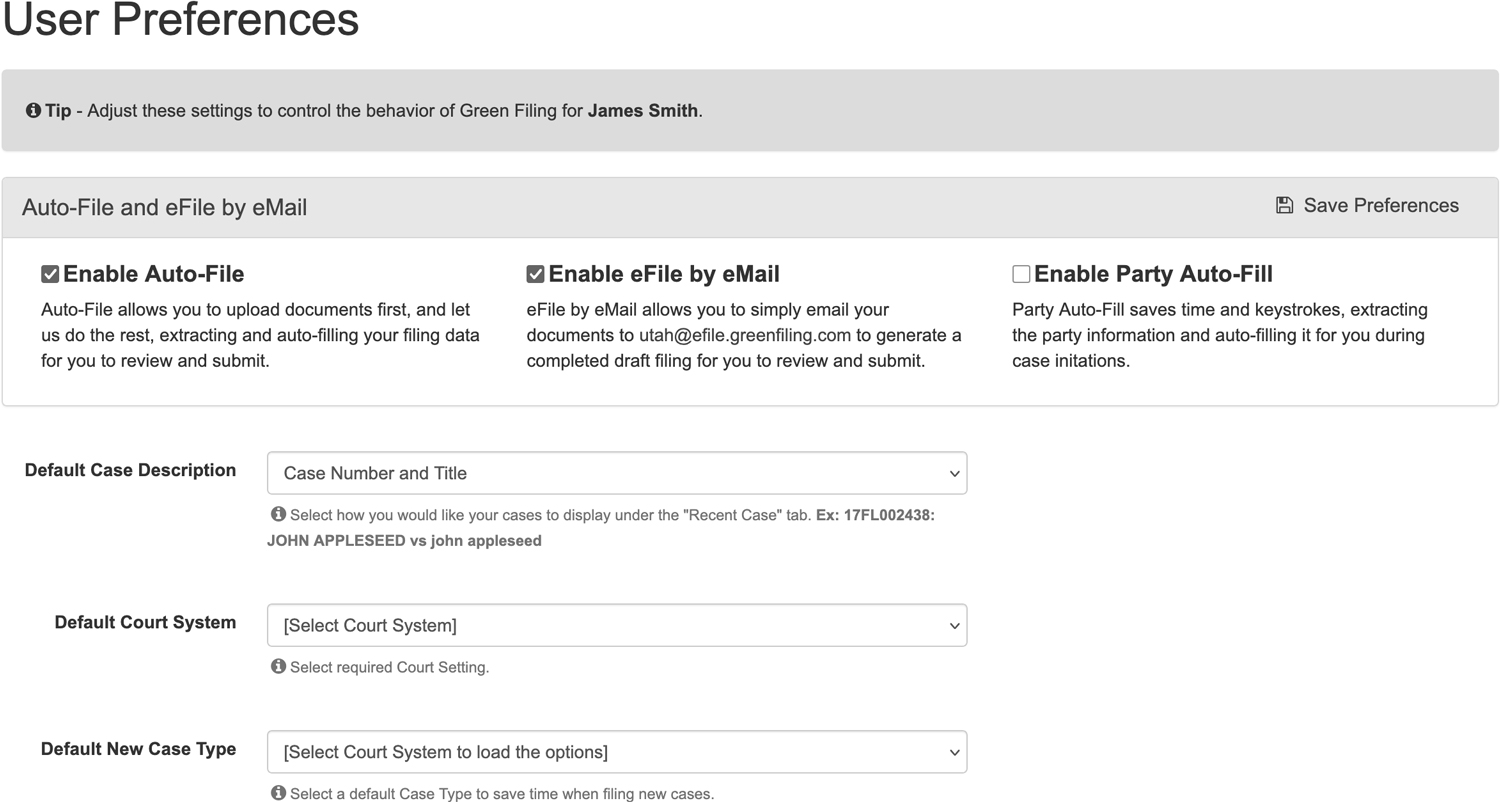
If you check the Enable Auto-File and Enable eFile by eMail check boxes, our system will attempt to extract document type and party information from your uploaded documents.
When enabled, you may click Initiate a Case or File on Existing Case from the left menu of the dashboard to begin an autofiling.